DIY NFC Pet Tags: What People Link To-and Why FoundYa Exists
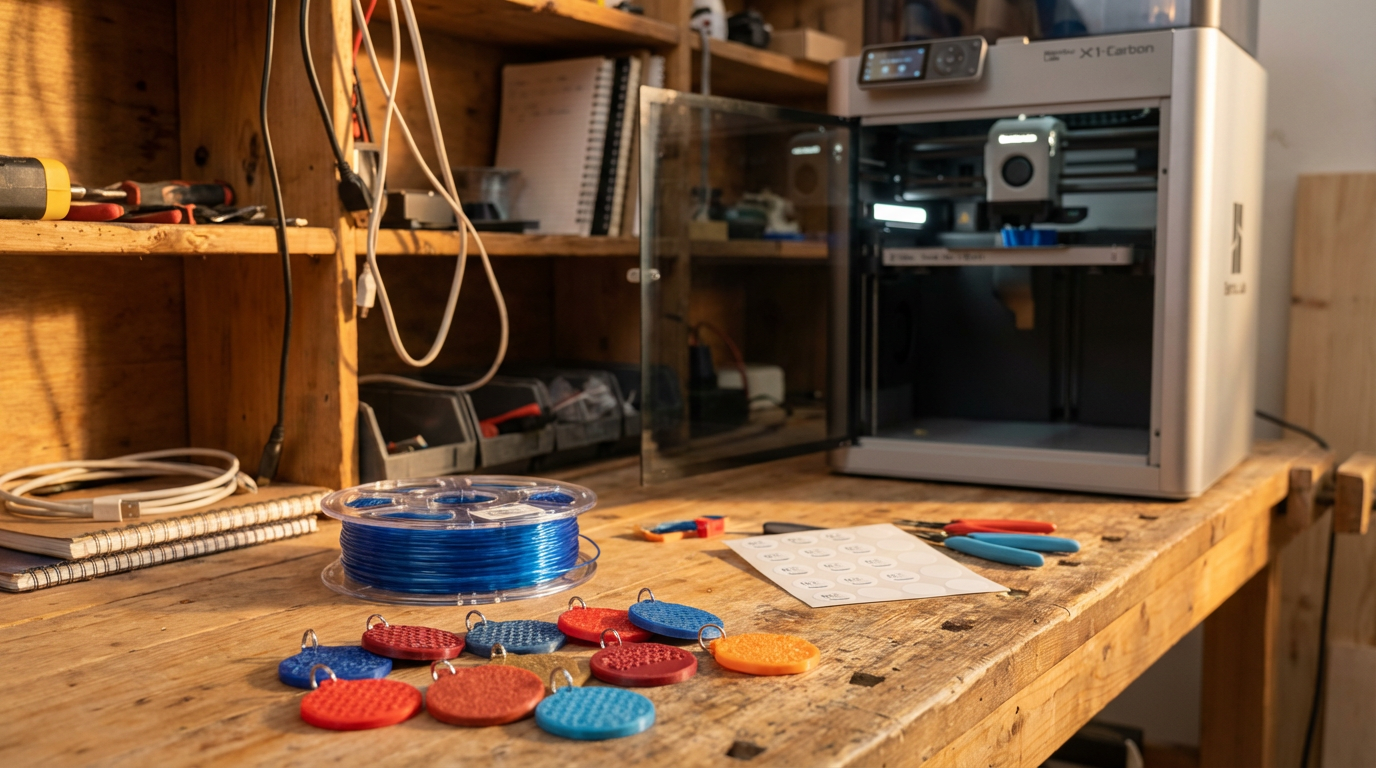
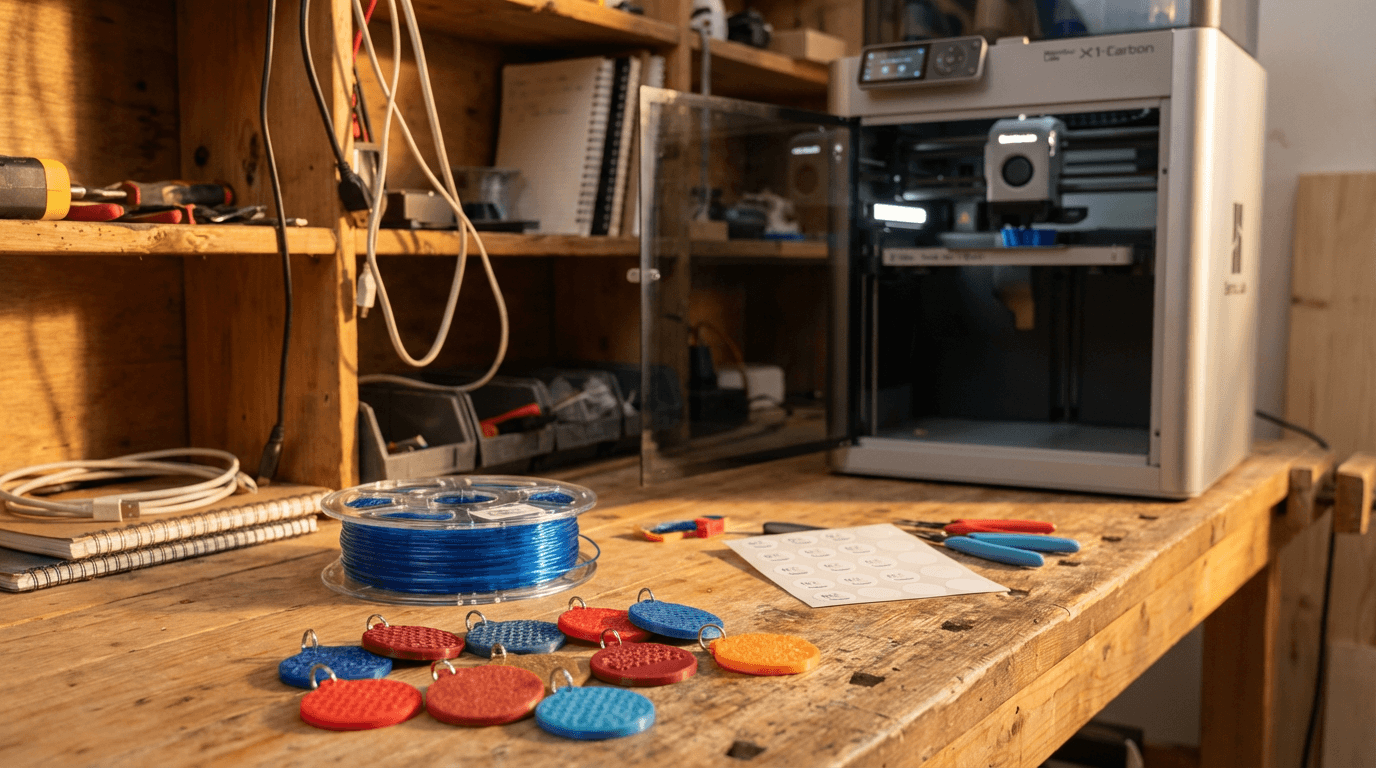
If you've ever paused a print at layer ten to drop in an NTAG sticker, or laser-etched a QR code into PLA and hoped for the best, you're in good company. The maker community has been hacking pet ID for years. The uncomfortable bit isn't the plastic-it's what happens after the tag exists. Someone has to decide what the chip and the QR actually open. Too often, that's a patchwork of free tools and guesswork. FoundYa exists because one of those weekend projects belonged to our founder's own dog-and there had to be a better way.
What DIY tag makers usually link to
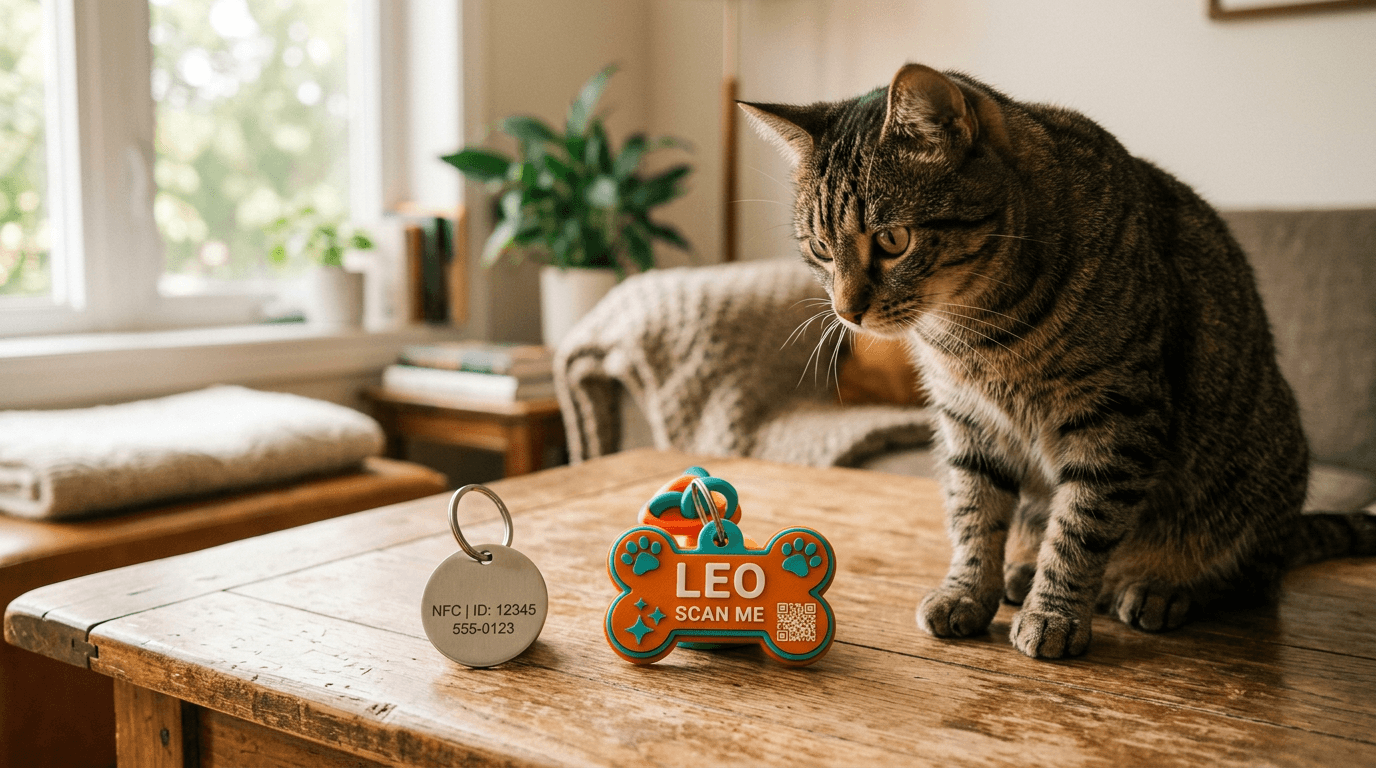
You don't need a product to program NFC. A few dollars gets you stickers or coins; apps like NFC Tools can write a URL or a vCard in minutes. QR codes are even simpler-generate, embed in the model or stick on the surface, done. Here's what people typically point them at:
A one-page site or link-in-bio. Google Sites, Notion (public), Carrd, Linktree-somewhere to put a phone number, a photo, maybe vet notes. It works until you need to change your number, add a second carer, or hide detail from casual scanners.
tel: or sms: URIs on NFC. Tap opens the phone app with a number filled in. Fast to set up, zero hosting-but you can't show a photo, medical notes, or a lost-pet workflow. Finders can't leave a message if you don't answer.
A static vCard on the chip. Great when there's no signal: the phone still offers a contact card. Weak for anything richer than name and digits, and updating means rewriting the tag.
A short link (bit.ly and friends) so you can change the destination without reprinting-if you remembered to set that up first.
Another vendor's URL if they bought a branded tag-but then they're locked to that hardware and subscription.
None of that is "wrong." It's what smart people do with the tools they have. The problem is none of it is a single system built for: rotating privacy, lost mode, scan alerts, household access, and the rest of real life with a pet.
The moment that started FoundYa
Our founder went through the same loop plenty of makers do: print a tag, embed a chip, point it at something "good enough." For his own pet, the tag worked as a tech demo-tap, see info-but everything fragile about DIY showed up at the wrong time. Updating details meant editing a page or rewriting the chip. There was no clean story for I'm lost versus just say hi. QR and NFC were easy to point at different things by accident. And the deeper question wasn't "can I encode a URL?" but shouldn't one platform handle the tag, the profile, and what happens when a stranger scans it?
That gap-between I can 3D-print this and I trust this if my dog runs off-is what FoundYa was built to close. The platform is the product, not the chunk of filament on the collar.
Why "better" meant a real platform, not a longer Carrd page
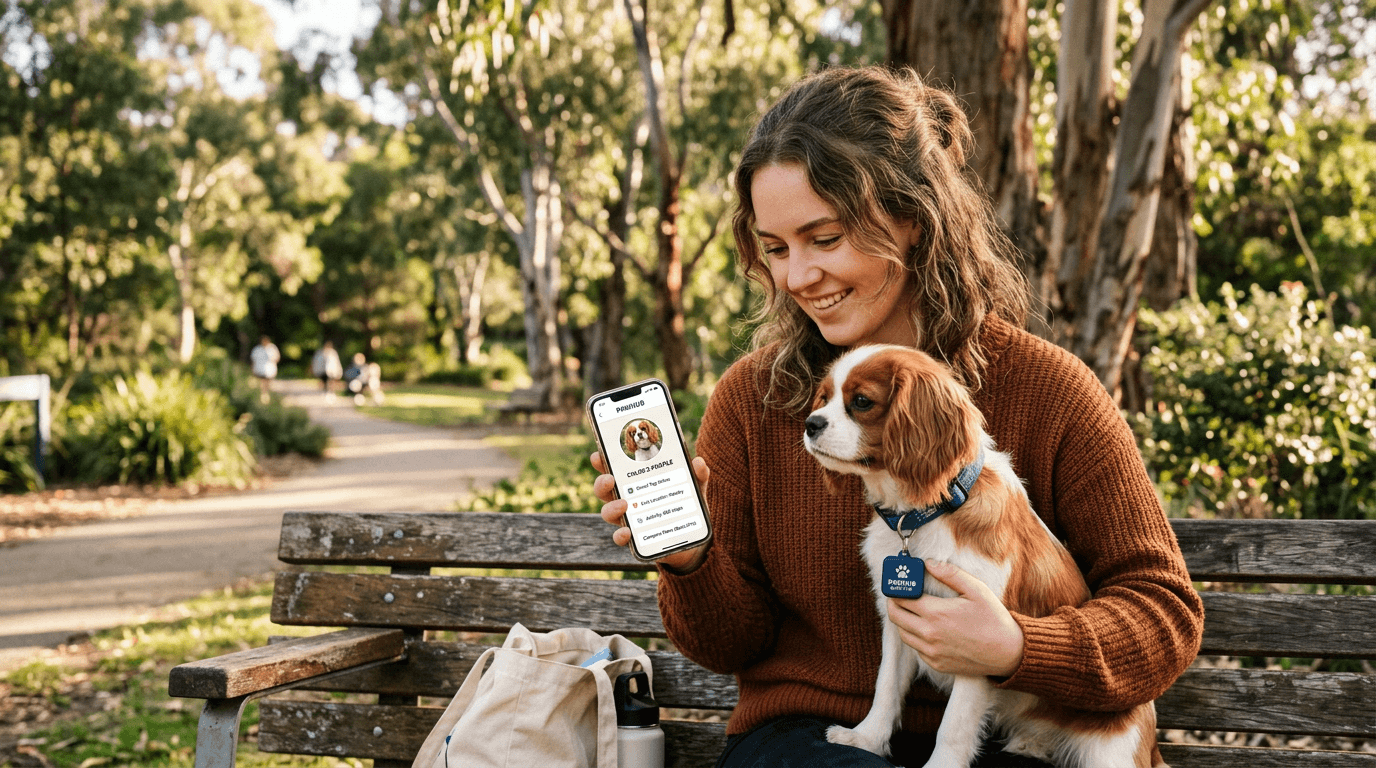
A static page doesn't know you. It doesn't send you a push when someone taps the tag. It doesn't let you flip into lost mode, loop in trusted Sentinels, or keep a vet record next to the same profile. Pet ID isn't a one-off webpage problem-it's a lifecycle problem. Reminders, household sharing, scan history, and privacy controls belong in one place, or they don't happen.
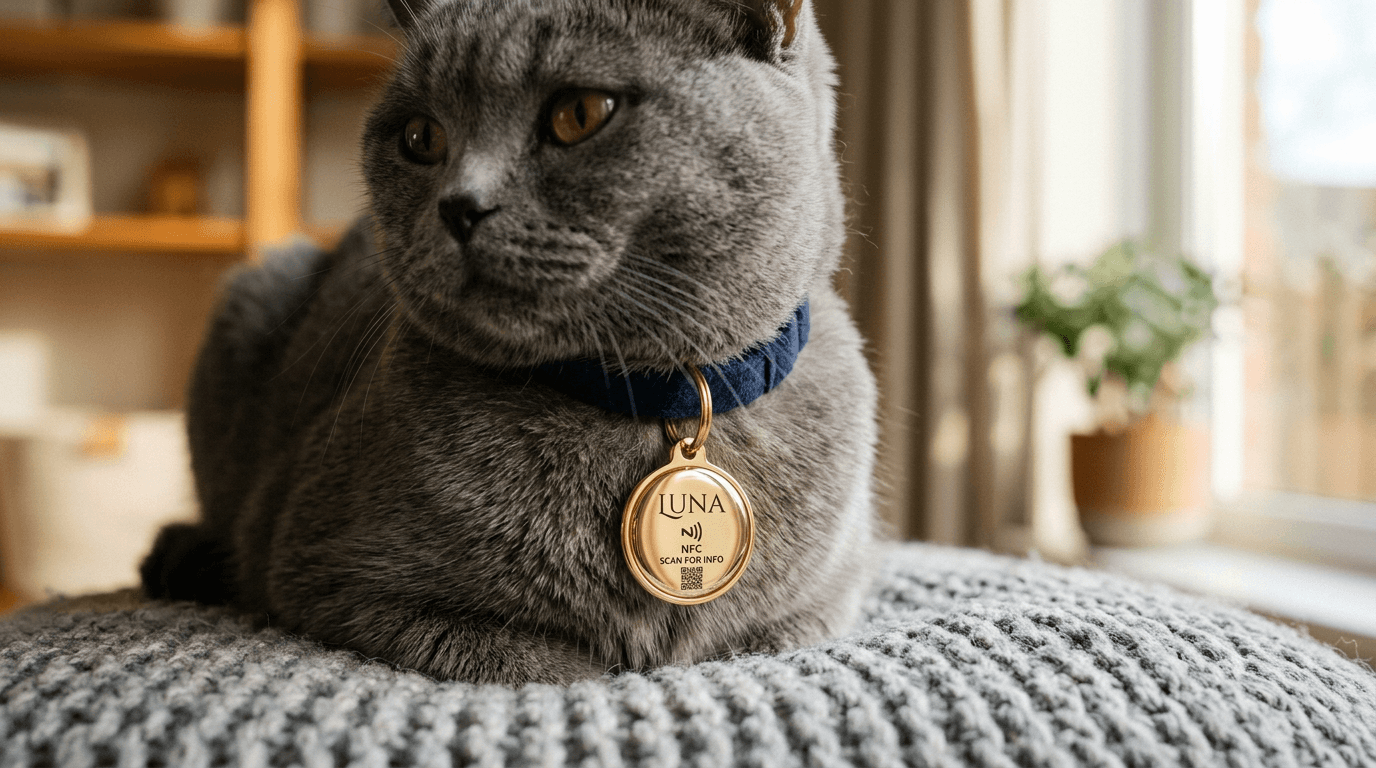
That's why FoundYa treats NTAG215 and BYO chips the same way as our own printed tags: register the chip, we write a proper NDEF URL to your pet's scan page, and optional hybrid mode keeps a vCard on the tag for offline peace of mind. Hybrid NFC matters when you're on a trail with no bars-exactly where DIY tel: links feel thin.
Got a printer? You can still 3D-print your housing, drop in a cheap NFC sticker, and register it on FoundYa in one flow. The plastic is yours; the profile and lost-pet tools are ours.
What we'd tell past-us (and you)
If you're tinkering tonight: pick one URL you control for the long haul-ideally a platform built for pet profiles, not a page you'll forget to update. If you're linking NFC and QR to the same story, make them match (nothing worse than a QR that says one thing and a chip that says another).
And if you've already got a half-finished tag on the workbench-that's not wasted. It's how FoundYa got started. We're not here to replace your printer; we're here to replace the duct-tape stack behind the tap.
Next step: Design a tag in the Tag Designer and export a 3MF, or register a BYO chip and link it to your pet in minutes. No app required for the person who finds them-just tap, and they're home.