Set Up Your Household Like a Pro: FoundYa Tips
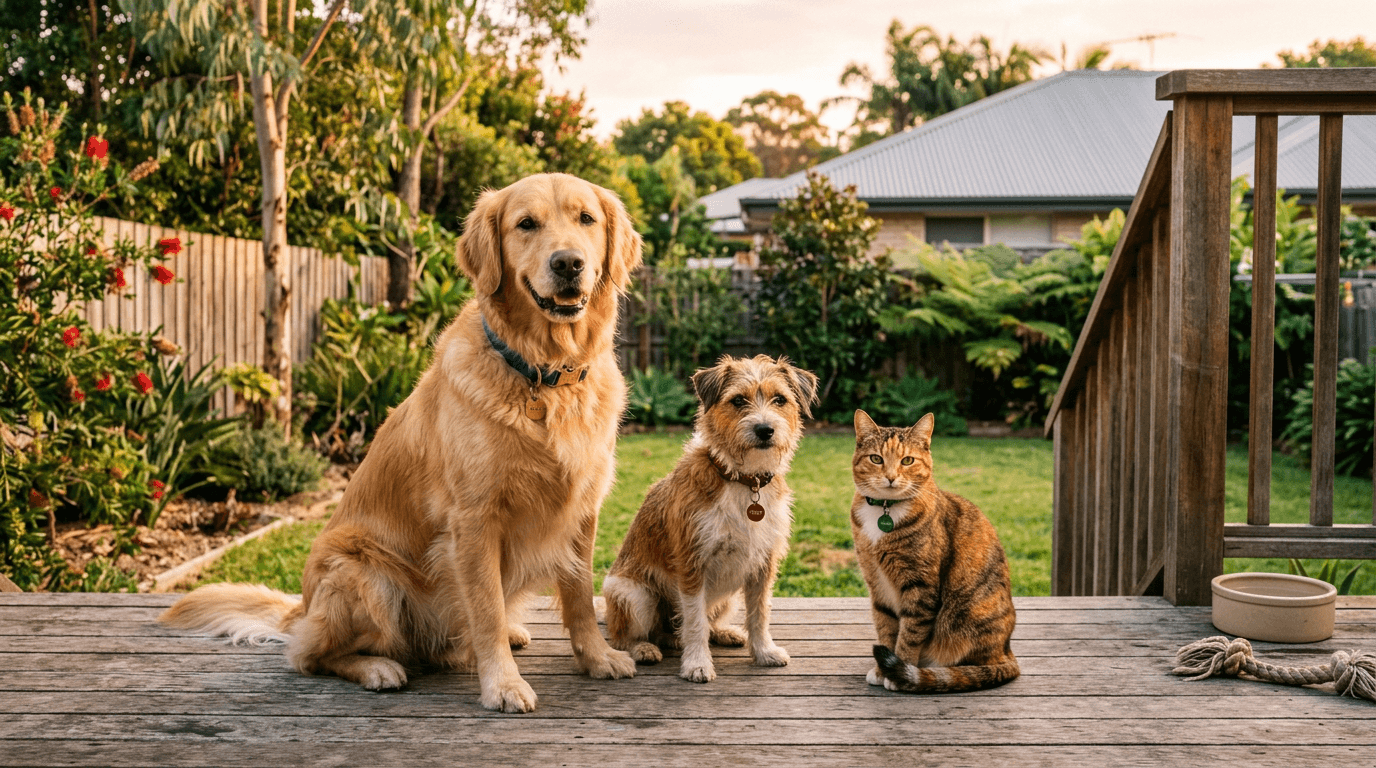
Your FoundYa tag does a lot more than help bring a lost pet home. It's a living profile for your pet - one that the right people can access at the right time. Whether you've got a dog walker popping in on Tuesdays, a cat sitter covering your holiday, or a vet who needs to know about a medication allergy, a well-set-up household means everyone's on the same page.
Here's how to get the most out of your setup.
Add the people who matter
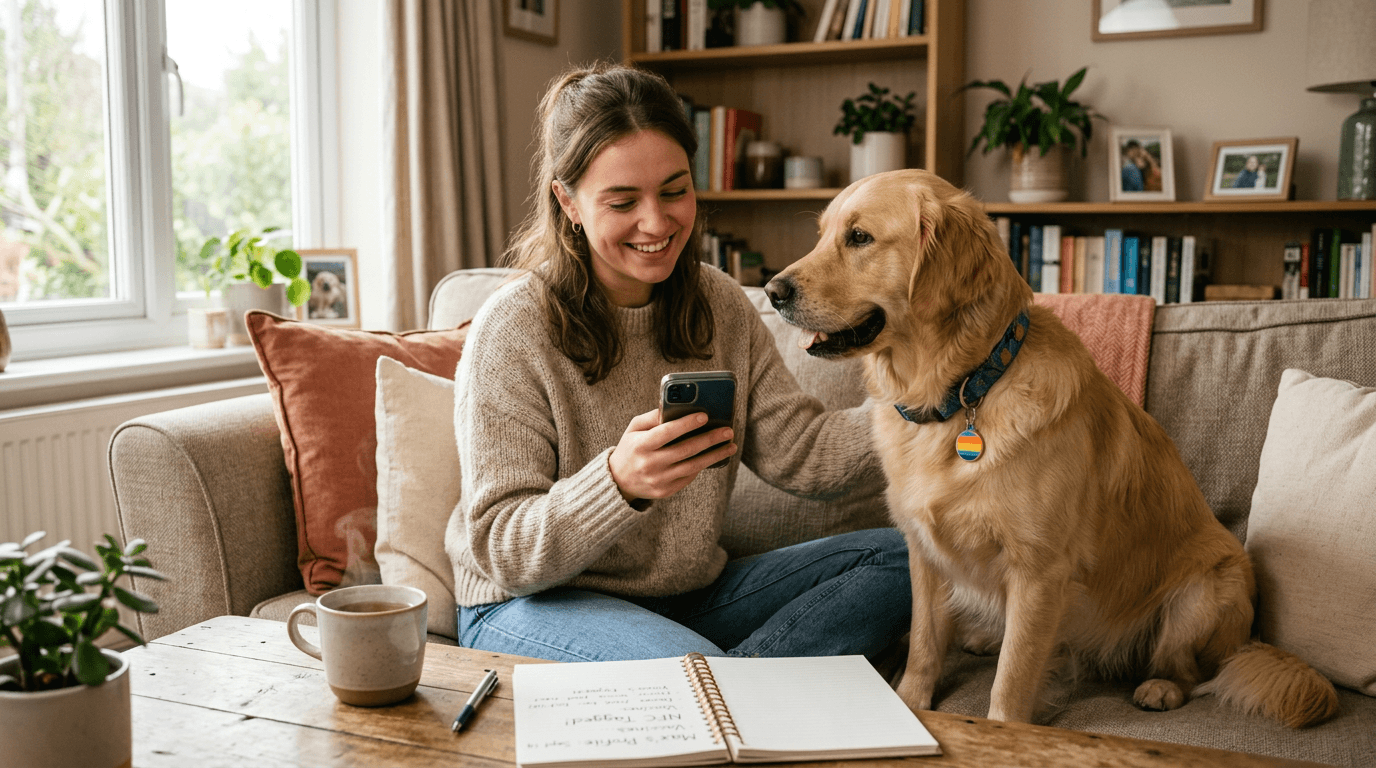
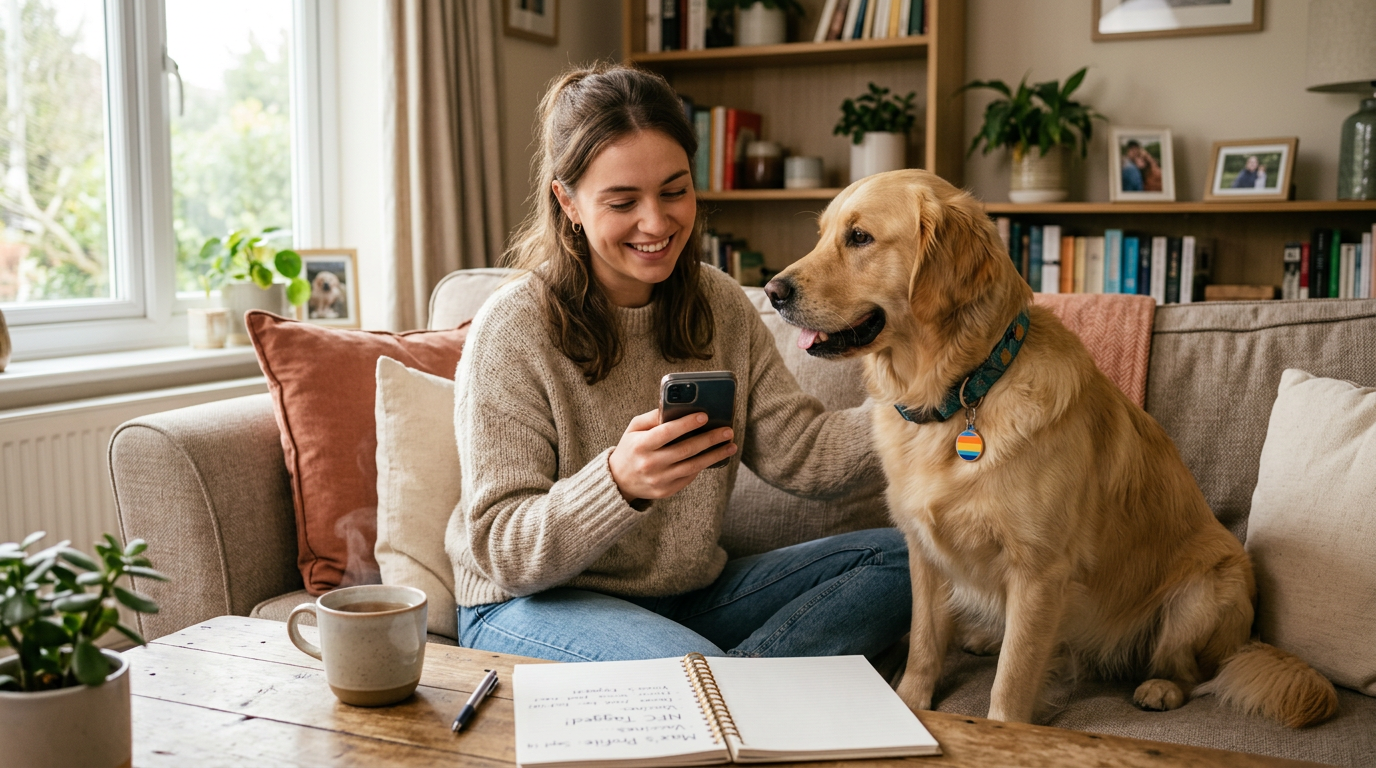
Most pets don't live in a one-person bubble. There's your partner, your kids, the neighbour who feeds the cat when you sleep in - the people who should know what's going on and be notified if something happens.
FoundYa's household feature lets you invite other people to your pet's profile with different levels of access:
- Full household members - your partner, housemate, or family. They see everything: medical records, vet details, tag scan notifications, and can update the profile.
- Carers - pet sitters, dog walkers, or a trusted neighbour. They get the info they need (feeding schedule, medications, emergency contacts) without full account control.
Add your regular pet sitter before you need them. When you're rushing to pack for a trip isn't the time to fumble with invites and permissions.
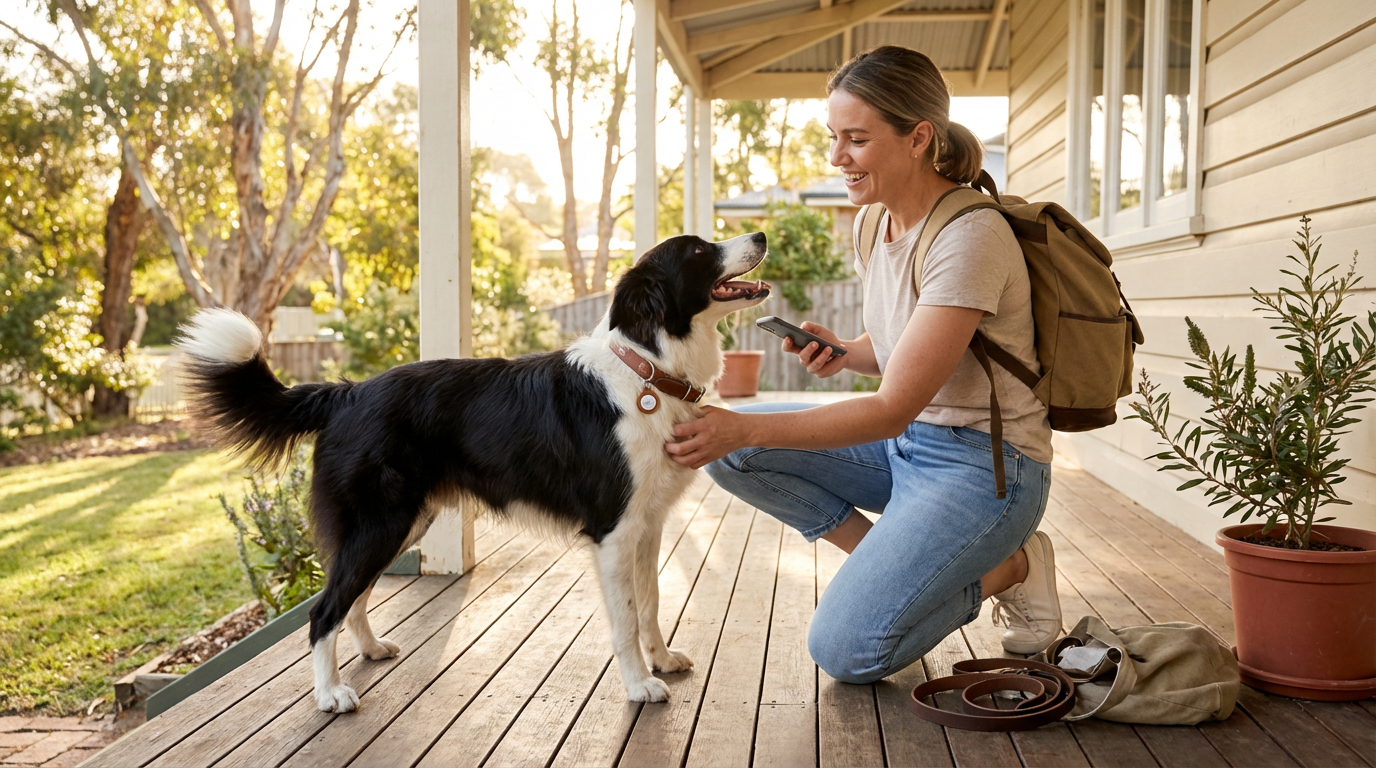
Setting up a pet sitter
When you add someone as a carer, think about what they actually need to know day-to-day:
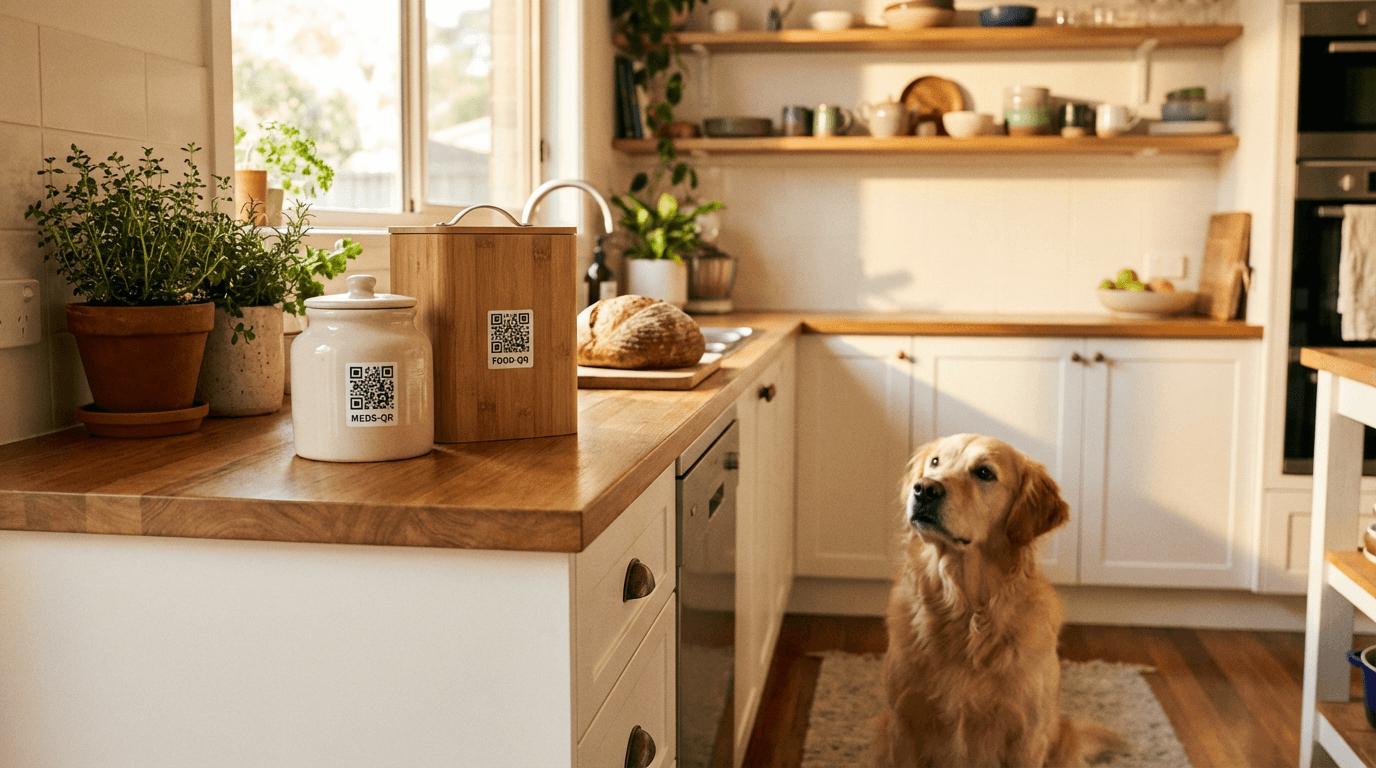
- Feeding routine - what food, how much, how often, and any quirks (does your dog need the bowl elevated? Does your cat refuse anything fish-flavoured?)
- Medications - dosages, timing, and where the meds are kept
- Behavioural notes - "Max gets anxious during thunderstorms and hides under the bed" is the kind of thing that saves a panicked phone call at 11pm
- Emergency contacts - your vet clinic's number and after-hours service, plus your own contact details for while you're away
Carers receive scan notifications when your pet's tag is tapped, so if a neighbour finds your dog wandering while the sitter's in charge, the sitter gets the alert too.
Fill in the medical details (yes, all of them)
It's tempting to skip the medical section when you first set up your pet's profile. Don't. The information you add now could genuinely matter in an emergency.
What to include
- Microchip number - if your pet is microchipped (and they should be), add the number. A vet or shelter can cross-reference it, and having it on the digital profile speeds things up.
- Allergies and sensitivities - food allergies, medication reactions, environmental triggers. If your dog can't have chicken-based treats, anyone caring for them should know.
- Chronic conditions - diabetes, epilepsy, heart conditions, arthritis. Include the current treatment plan.
- Current medications - name, dose, frequency, and what it's for. Update this whenever meds change.
- Vaccination status - especially relevant for boarding, daycare, or if your pet goes missing and ends up at a shelter.
- Vet clinic details - name, phone number, and address. If someone finds your pet injured, they can get them to your vet without waiting to reach you first.
You control who sees medical details. Finders who tap your tag see your pet's public profile - name, photo, and a way to contact you. The full medical info is only visible to household members and carers you've explicitly granted access to.
Keep it current
Set yourself a reminder to review your pet's medical info every six months, or whenever something changes - new medication, a vet visit, updated vaccinations. Stale information is almost worse than no information, because someone might act on it.
Get your notifications sorted
FoundYa sends notifications when your pet's tag is scanned. That's the obvious one. But there's more to it than just "someone tapped the tag."
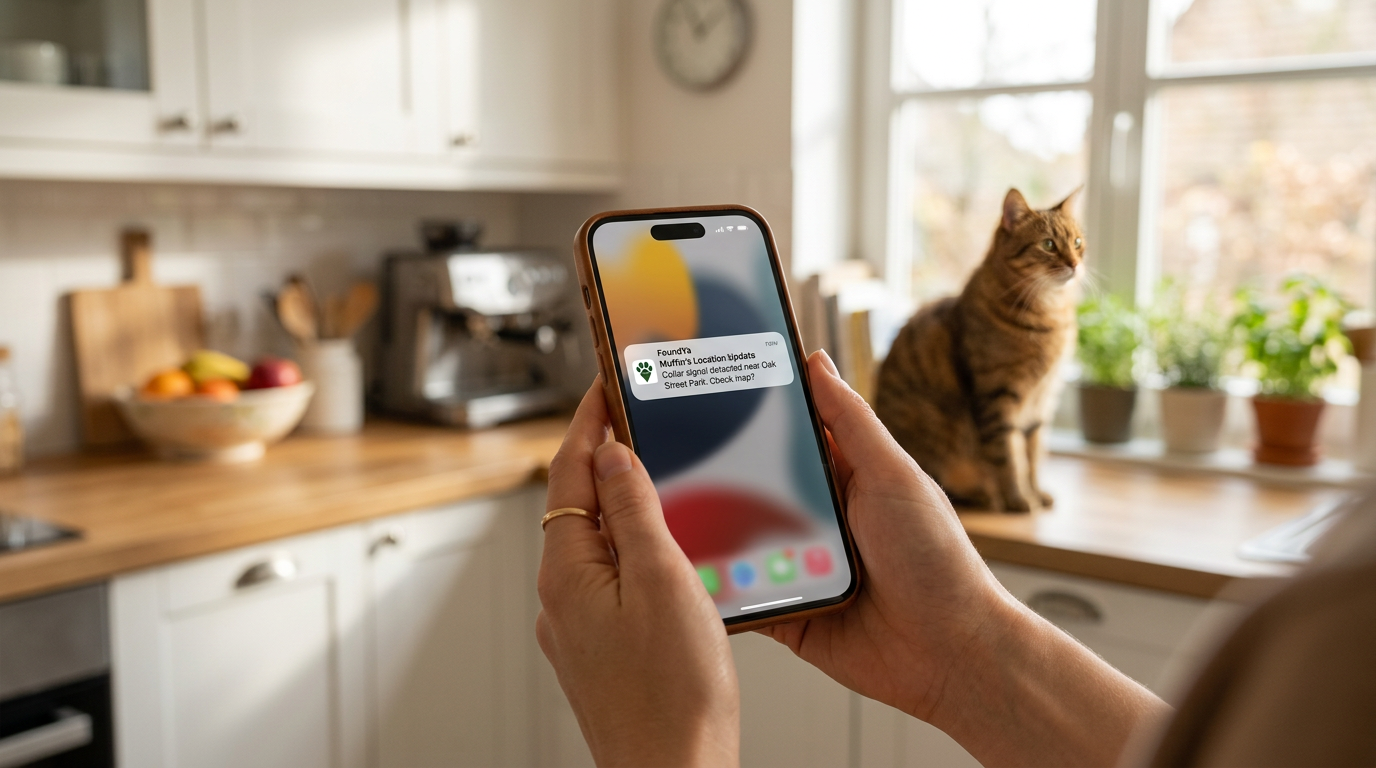
Notification types worth setting up
- Tag scan alerts - the core notification. Someone tapped your pet's NFC tag. You'll get the location, a timestamp, and a way to message the finder. Every household member and active carer gets this.
- Lost mode alerts - when you mark a pet as lost, the notification net widens. Local Sentinels - community members who've opted into nearby alerts - get notified too, giving you a crowd-sourced search party.
- Reminders - medication schedules, vet appointments, flea and worming treatments. These go to whoever you assign them to, so you can make sure the pet sitter gives the evening medication without you having to text them.
Holiday mode: prepare before you leave
Going on holiday is the single most important time to have your FoundYa household locked in. Here's a pre-trip checklist:
- Add or update your pet sitter as a carer with the right access level
- Review your pet's profile - is the photo current? Are the medical details up to date? Is your vet's number correct?
- Update your contact details - if you'll be overseas and unreachable on your usual number, add an alternative or make sure your co-owner is set as the primary contact
- Brief the sitter - share any seasonal notes (e.g. "the back gate latch is dodgy in the wind" or "she'll try to eat the Christmas tree")
- Check notification preferences - make sure the sitter's notifications are on and that they know what to do if the tag gets scanned while you're away
If you're travelling overseas, double-check that your push notifications work on roaming or set up a household member back home as the primary responder. A tag scan alert isn't helpful if it arrives and you're on a plane with no signal.
Add your vet as a contact (not a household member)
Your vet doesn't need access to your FoundYa account - but their details should absolutely be on your pet's profile. Here's why:
- Finders can contact them directly - if someone finds your pet injured or unwell, having the vet number on the profile means they can call ahead rather than taking your pet to a random emergency clinic
- Sitters have the info - no digging through fridge magnets for the vet's business card
- Consistency - if you move or change vets, updating it once in FoundYa updates it for everyone in the household
Some vet clinics are starting to recognise NFC pet profiles. When you next visit, mention that your pet's digital profile includes their clinic details and your pet's medical history - it gives them context before they even examine the animal.
Pet preferences: the small stuff that matters
Beyond medical info, FoundYa's profile lets you capture the personality and preferences that make your pet your pet. This isn't just nice-to-have - it's genuinely useful for anyone caring for them.
Think about including:
- Temperament - friendly with strangers? Nervous around kids? Reactive to other dogs on lead? This helps finders approach safely and helps sitters manage walks.
- Favourite spots - "If she escapes, check the creek at the end of Miller Street" could be the difference between an hour of searching and five minutes.
- Dietary needs - beyond allergies, note preferences and restrictions. Grain-free? Raw diet? Refuses dry food unless it's mixed with warm water?
- Exercise routine - how far they walk, how often, and any limitations (bad hips, recovering from surgery, ancient and stubborn about moving faster than a shuffle)
- Comfort items - their favourite blanket, a specific toy, where they sleep. Small details that help a sitter keep your pet comfortable and reduce anxiety.
Bring it all together
A FoundYa tag with a bare-minimum profile is still better than a scratched metal tag with an old phone number. But a fully set-up household - with the right people, current medical info, and proper notifications - turns your tag into something genuinely powerful.
It takes maybe twenty minutes to do properly. That's twenty minutes of effort for years of peace of mind, whether you're at work, on holiday, or just trusting someone else to look after the animal you love most.
Ready to get started? Sign up to set up your household, or if you haven't got a tag yet, design one in our Tag Designer. Already have a tag from another provider? FoundYa works with any NFC chip - you don't need to buy ours to use the platform.