What to Put on Your Pet's Digital Profile
You've signed up, linked a tag, and your pet's profile exists. Nice. But if all it says is "Max" with a blurry photo from 2023, you're leaving value on the table - and potentially putting your pet at risk in the exact moment the profile matters most.
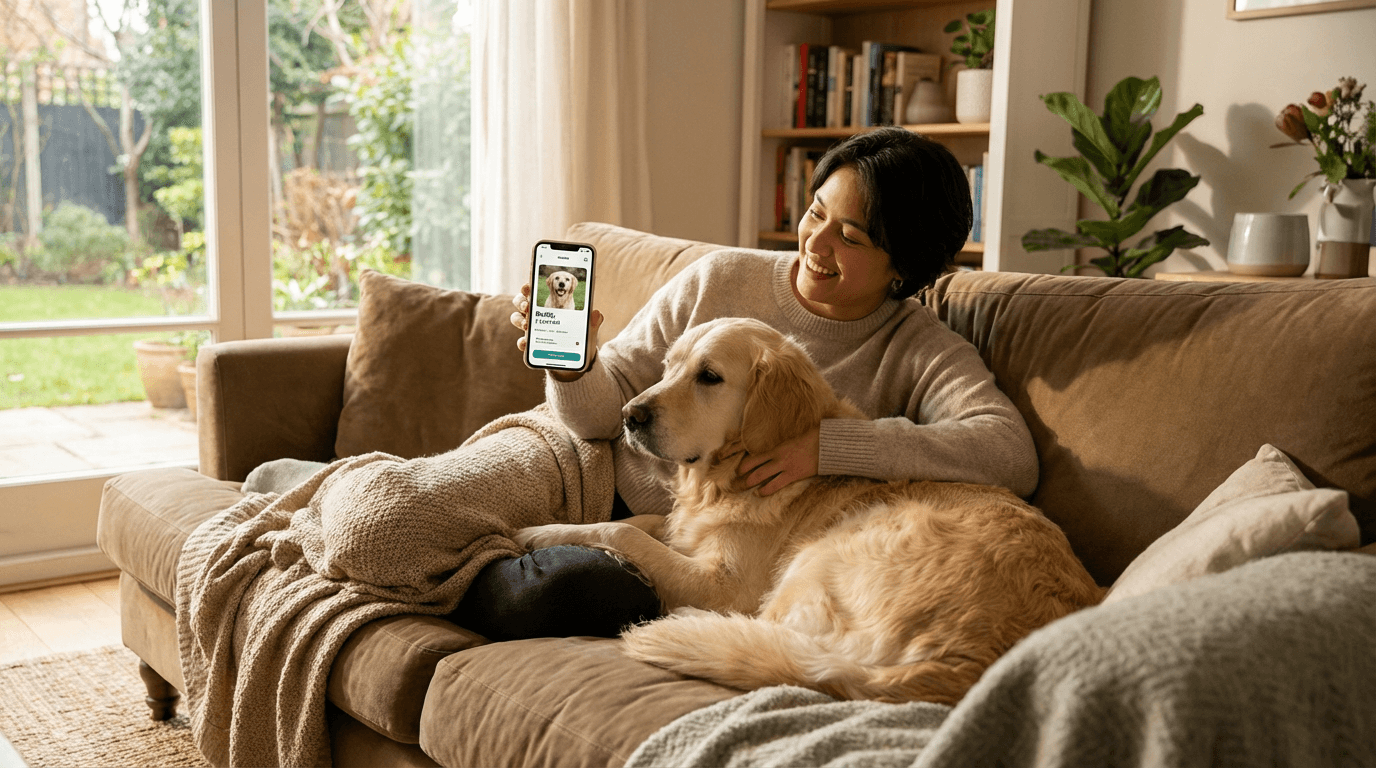
A well-built digital profile isn't just a nice-to-have. It's the thing a stranger sees when they find your lost pet and tap the tag. It's what your pet-sitter checks before giving medication. It's what an emergency vet reads when you can't be reached. The more useful you make it, the more it works for you.
Here's what a great profile looks like.
The basics - get these right first
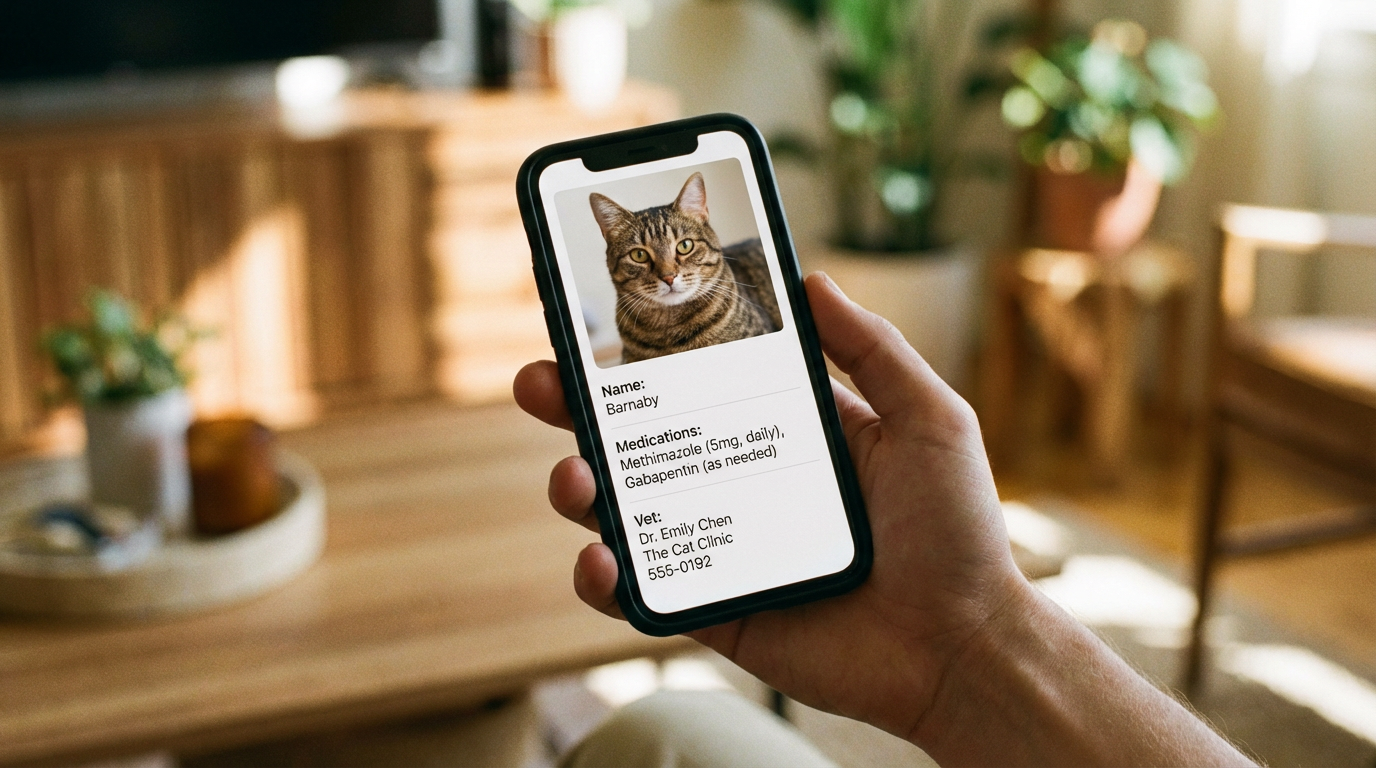
Name and photo
This seems obvious, but it's worth getting right. Use your pet's actual name - the one they respond to. If they have a common nickname everyone uses, add that too.
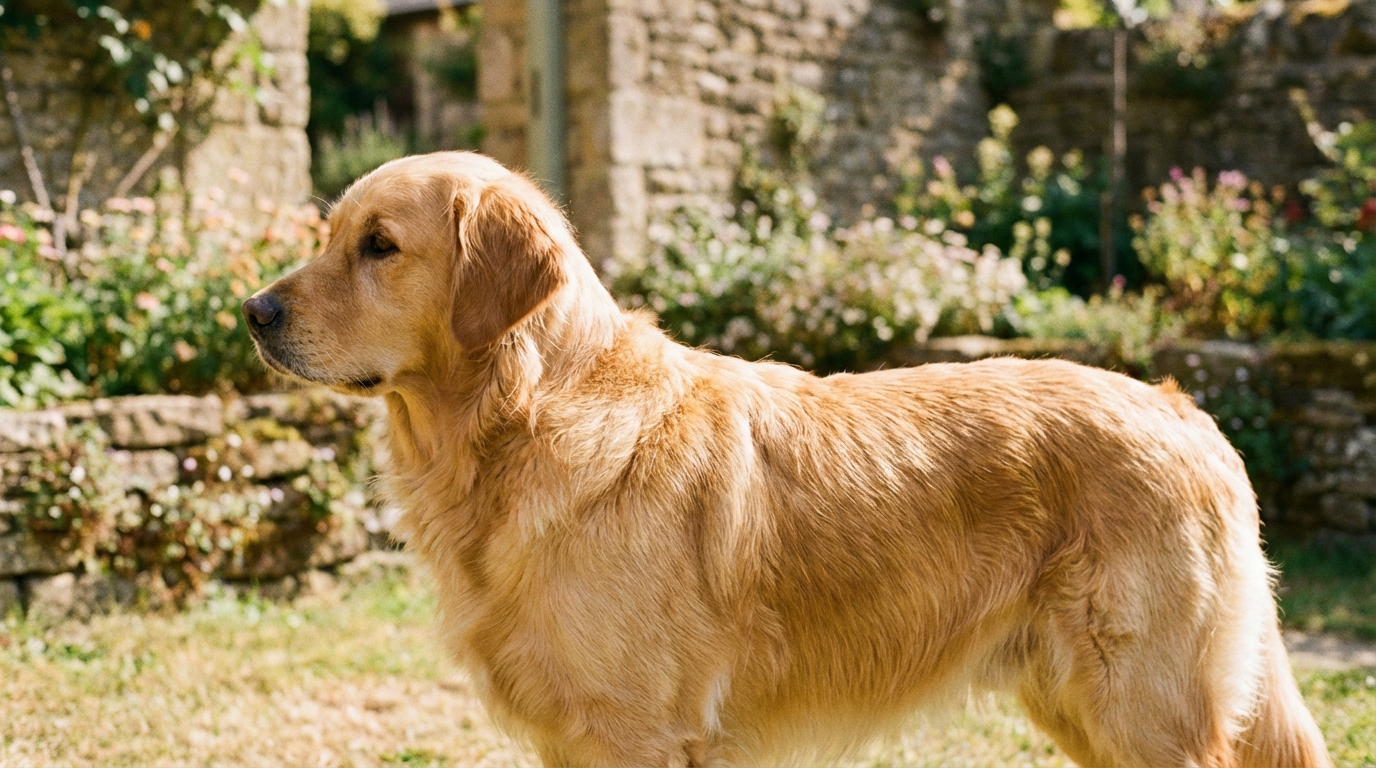
For the photo, a clear, side-on shot in good light is ideal. This is what shelters and vets use to identify animals, and it's what a finder will compare against the actual animal in front of them. Avoid:
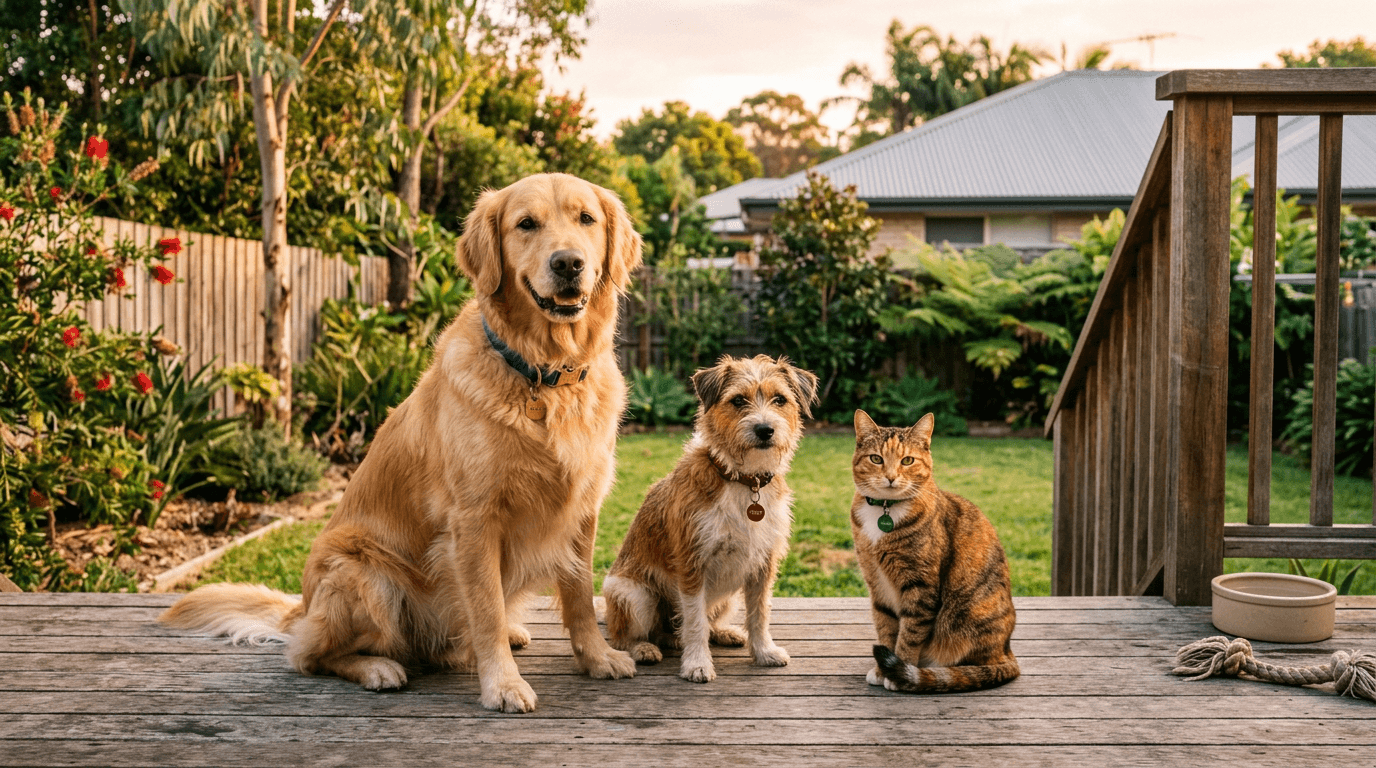
- Group photos (which one is yours?)
- Artistic angles or heavy filters
- Old photos where your pet looked significantly different (puppies grow up, coats change, weight fluctuates)
Take a new photo every six months or so. Your pet changes more than you think.
Your contact number
This is the single most important field on the profile. When someone finds your pet, they need to reach you. A phone number that actually rings is worth more than every other field combined.
Add your primary mobile number. If your household has multiple people who'd want to know, set them up with household access so they get notifications too - but make sure at least one primary number is on the public profile.
FoundYa lets finders message you through the platform without revealing your phone number directly. But having a number available as a fallback means someone can still reach you even if they're not comfortable using the messaging feature, or if they're in a hurry.
Location
Your suburb or general area helps a finder understand whether the pet is far from home or just around the corner. You don't need to put your exact address - your suburb is enough for the public profile.
Medical information - this can save a life
This is where a digital profile earns its keep over a traditional engraved tag. A metal disc can fit a name and phone number. A digital profile can carry the medical context that matters in an emergency.
Microchip number
Add your pet's microchip number to the profile. If a vet or shelter scans the chip but the registry details are out of date, they can cross-reference with your FoundYa profile. It also shows finders that the animal is registered and owned - which discourages anyone from "adopting" a found pet. Read more about why you need both a microchip and a smart tag.
Allergies and medications
If your pet has known allergies - food, medication, environmental - list them clearly. If they're on regular medication, note what it is, the dosage, and how often they take it.
This matters more than you might think. A well-meaning finder who gives a dog with a chicken allergy some leftover roast chicken is going to create a vet visit. A foster carer who doesn't know about a daily heart medication could miss a critical dose.
Chronic conditions
Diabetes, epilepsy, heart conditions, arthritis - anything that affects how your pet should be handled or what care they need. If your dog has seizures, a finder who knows that can respond appropriately instead of panicking.
Vet details
Add your vet clinic's name and phone number. If your pet is found injured or unwell, the finder or a good Samaritan vet can call your regular clinic for medical history. This speeds up treatment and avoids unnecessary repeat tests.
You can store vaccination certificates, desexing certificates, and other vet documents in your FoundYa profile. These aren't visible to finders by default - they're for your household to access when needed. Handy for vet visits, boarding, or travel.
Behavioural notes - help the finder help your pet
A lost pet is a stressed pet, and stressed pets don't always behave the way they normally would. Giving a finder some context about your pet's personality helps them handle the situation safely.
Temperament
Is your dog friendly with strangers? Nervous? Reactive to other dogs? Does your cat hide when stressed, or does she warm up quickly? A single sentence like "Friendly but shy at first - let her approach you" can prevent a well-meaning grab that sends a nervous dog bolting.
Escape tendencies and favourite spots
If your dog is a known escape artist, note their favourite routes and hiding spots. "Often heads to the creek behind Maple Street" is the kind of detail that turns a two-day search into a two-hour one.
Dietary needs
If your pet is on a prescription diet or has food sensitivities, note it. This matters less for a few-hour reunion and more for situations where someone is caring for your pet overnight or longer.
Privacy controls - share what matters, keep the rest private
Not everything on your pet's profile needs to be visible to the person who taps the tag. FoundYa gives you control over what finders see versus what your household sees.
What finders see
The public profile - what appears when someone taps your pet's tag - should include everything a finder needs to safely handle and return your pet:
- Pet's name and photo
- A way to contact you (messaging through the platform, plus your phone number if you choose)
- Key medical alerts (allergies, conditions that affect handling)
- Temperament notes
- Microchip number (proves ownership)
What stays private
Your household profile can include more detailed information that you don't want shared publicly:
- Full vet history and documents
- Vaccination records
- Detailed medication schedules
- Your home address
- Internal family notes ("Max gets anxious when Dad travels" isn't for strangers)
The default is private. You choose what to make visible on the public profile. This means you can add as much detail as you like to the household profile without worrying about oversharing.
Not sure what to share publicly? Start with the basics: name, photo, contact method, and any medical alert that affects immediate care. You can always add more later. More detail is better than less - but only share what you're comfortable with.
Keeping it current - the part everyone forgets
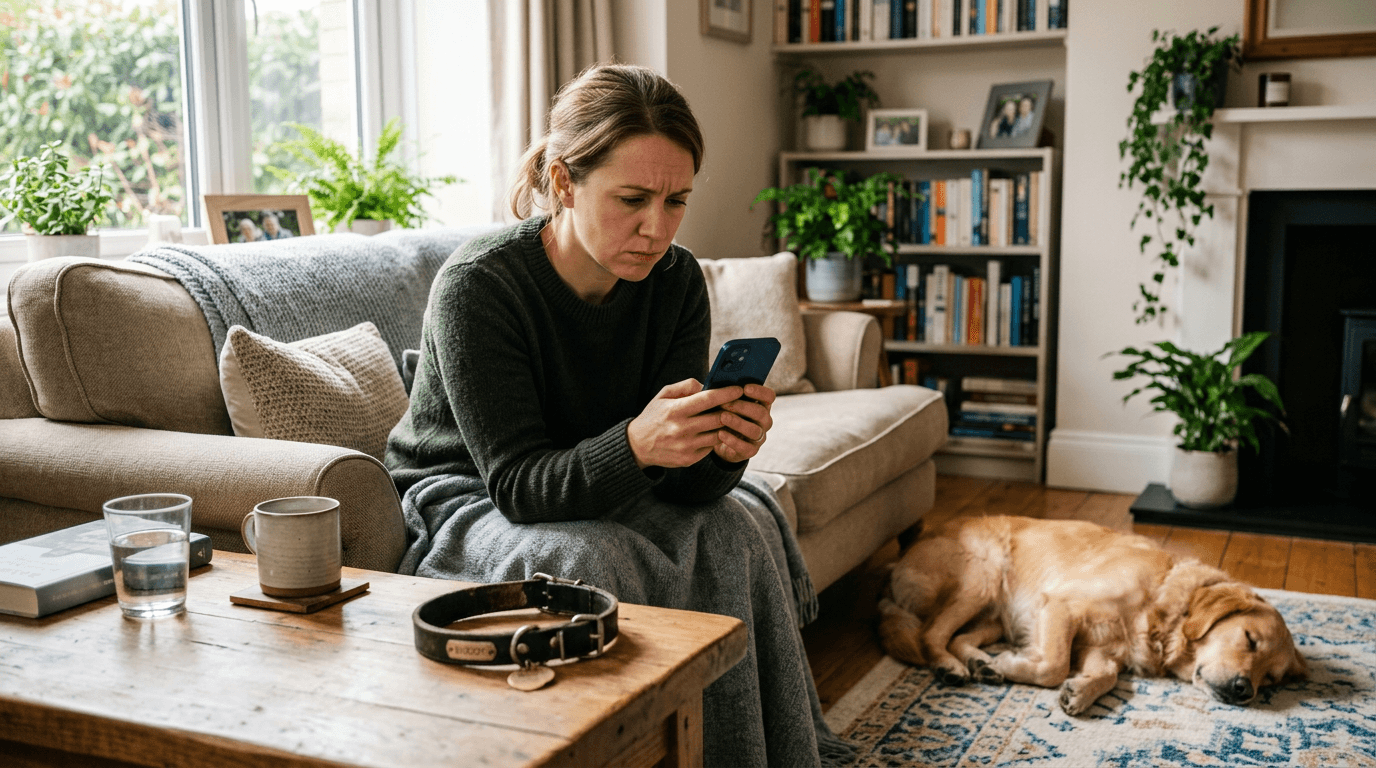
Here's the uncomfortable truth: a digital profile with outdated information can be worse than no profile at all. If the phone number doesn't work, the medication list is six months old, or the photo shows a puppy that's now a full-grown dog, the profile creates confusion instead of solving it.
Review every six months
Set a reminder (FoundYa can do this for you) to review your pet's profile twice a year. Check that:
- Your phone number is still correct
- Your address or suburb is current
- The photo still looks like your pet
- Medications and conditions are up to date
- Your vet details haven't changed
Update when life changes
Don't wait for the six-month review if something significant changes:
- New address - update your suburb on the profile and your microchip registry
- New vet - swap the clinic details
- New medication - add it immediately
- New phone number - this is the big one. Update everywhere: FoundYa profile, microchip registry, and any other pet services
We wrote a whole piece about why stale tag info is a problem - the short version is that the most common reason pet reunions fail isn't missing ID, it's outdated ID.
The six-month photo
Your pet's appearance changes. Weight gain, coat changes, ageing, even seasonal shedding can make a two-year-old photo misleading. A recent photo makes positive identification faster and more confident for everyone involved.
A profile is only useful if it exists
The difference between a pet that gets home in an hour and one that spends three days in a shelter often comes down to information. A great digital profile gives every person in the reunion chain - the finder, the vet, the shelter worker, your neighbour - exactly what they need to help.
It takes about ten minutes to build a solid profile. Another five minutes every six months to keep it current. That's a pretty small investment for the peace of mind that your pet is identifiable, contactable, and covered no matter who finds them or where.
Sign up and build your pet's profile now - and if you're already on the platform, go check that your details are current. You'll sleep better knowing it's done.